
Setup Guide
Updated Nov 6, 2026, 6:10:16 AMHow you find each value varies slightly from platform to platform. If you run into any issues, reach out to our support team or your provider's support.
BASE URL (Endpoint URL)
Definition:The API gateway your platform provides.
Where to find it:Usually on the homepage, or after logging into the platform console → the [Overview] or [API Key Management] page, where you'll find the endpoint URL.
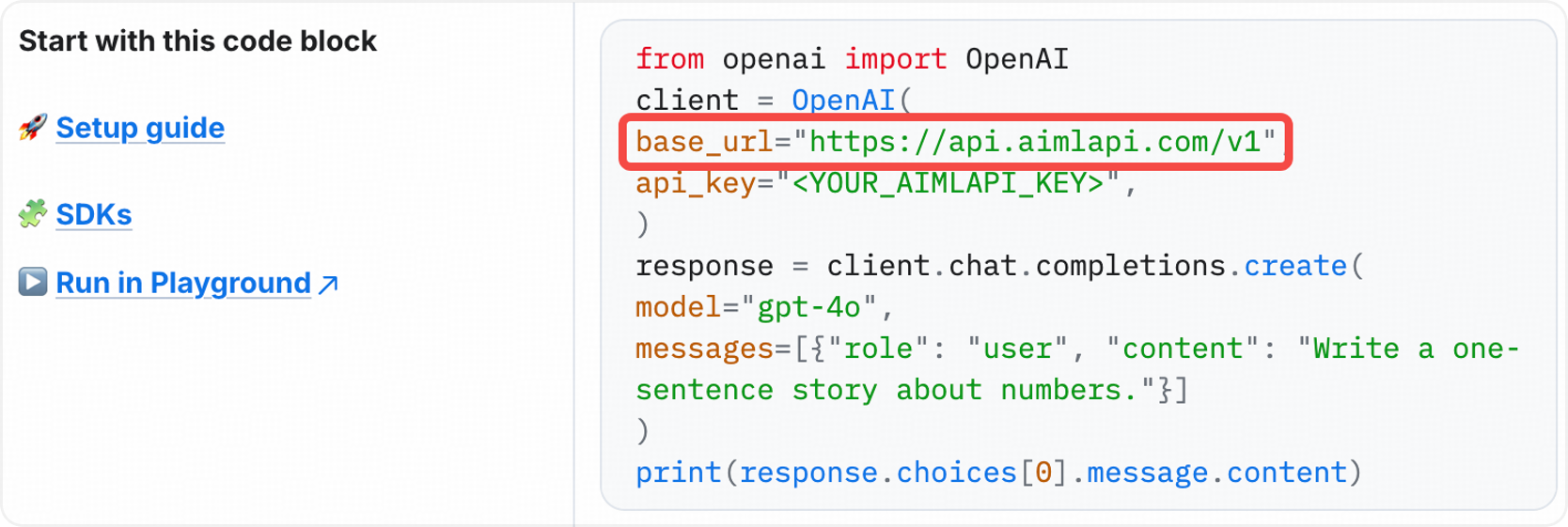
Example:Usually https://api.xxxxxxx.ai/v1 (Note: it usually needs to end with /v1 — confirm against your platform's own instructions).
API Key (Token / Secret Key)
Definition:The calling credential the platform provides, used to authenticate your API requests.
Where to find it:
Usually you go into the platform console and look for the "Token" (API Key) entry in the list.
Create a new key, or copy an existing one (usually starts with sk-).
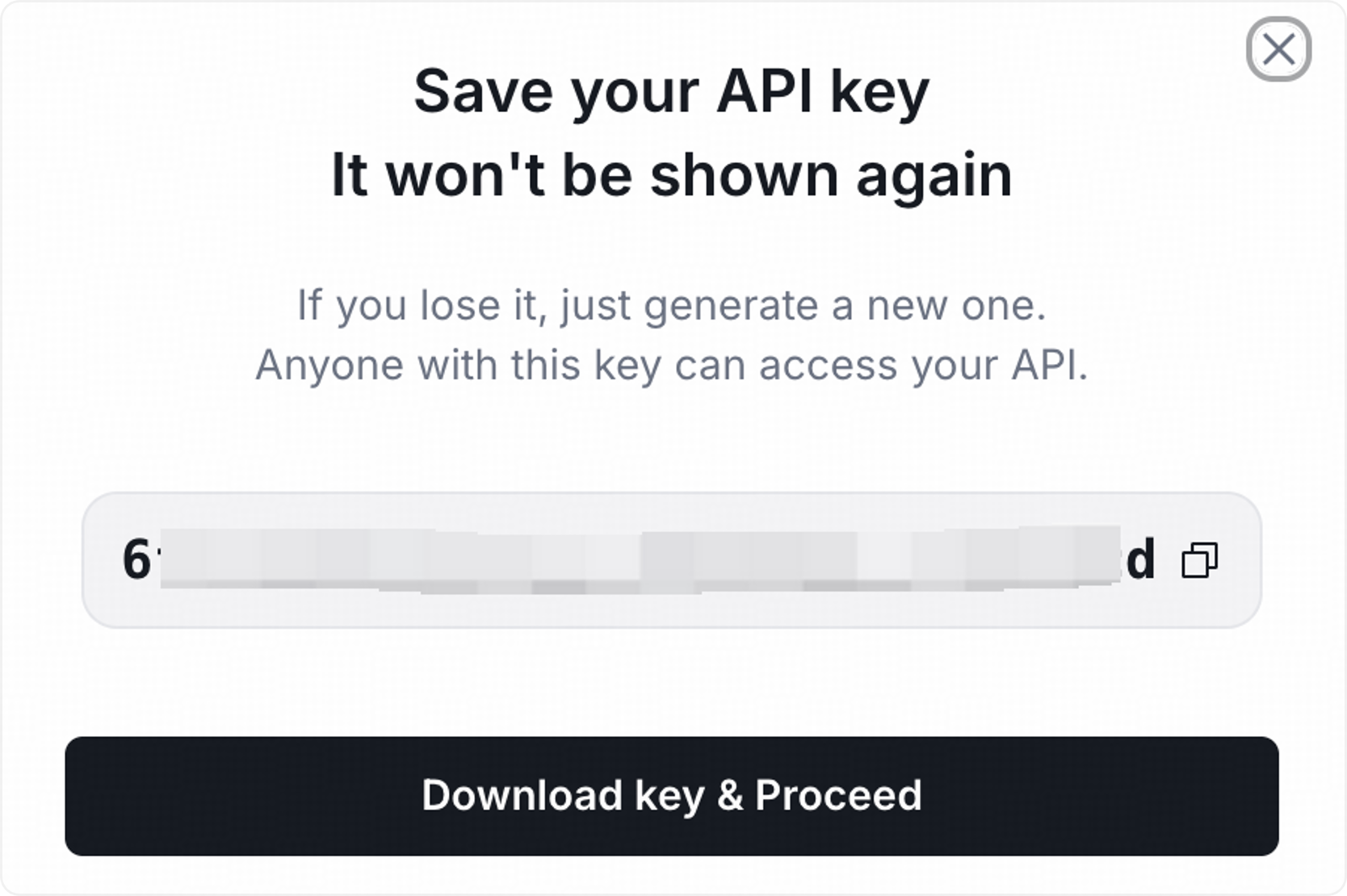
Security tip:Don't share it with anyone. Once testing is done, you can delete this key on the platform at any time.
Target Model (Model Name)
Definition:The identifier for the specific AI model you want to test, as it appears on the provider's platform.
Where to find it:Usually in the platform's "Model List," look up the matching name.
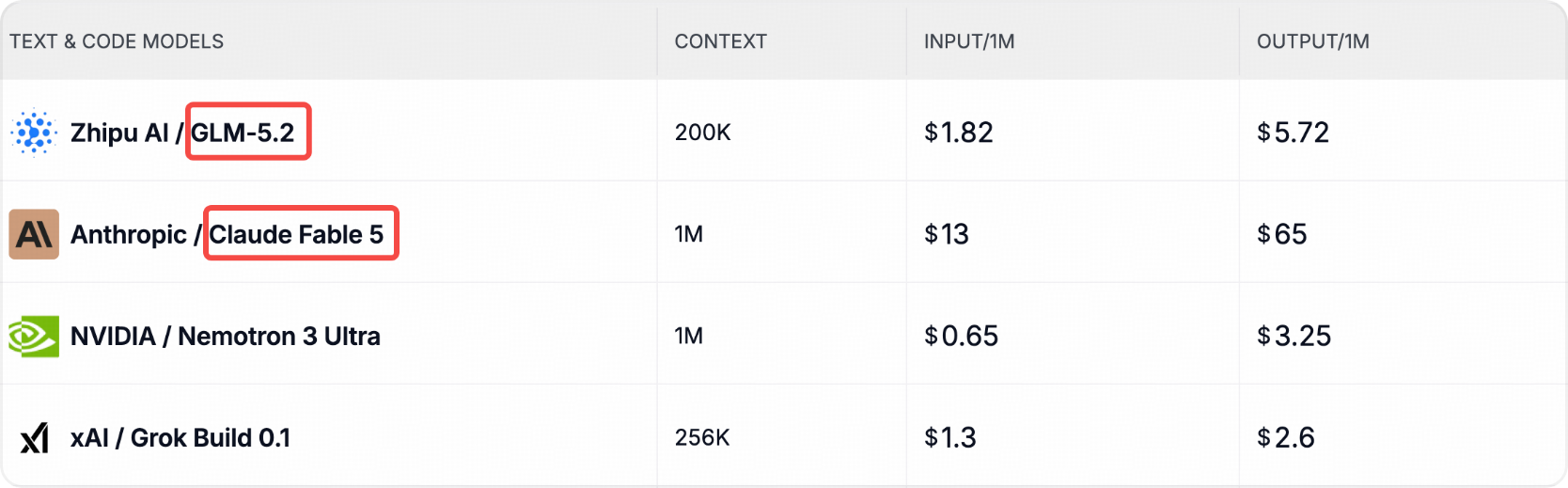
Tip:If you pick a preset model (e.g., Sonnet 4.6), the gray text below it — claude-sonnet — is the actual name sent to the API.
Input Price (Unit Price)
Definition:The model's actual price on the platform, usually expressed as "cost per 1M tokens, in ¥ or credits."
Where to find it:Open the model's "Model Details" on the platform, find the input price for the group you're testing, double-check it, and fill it in.
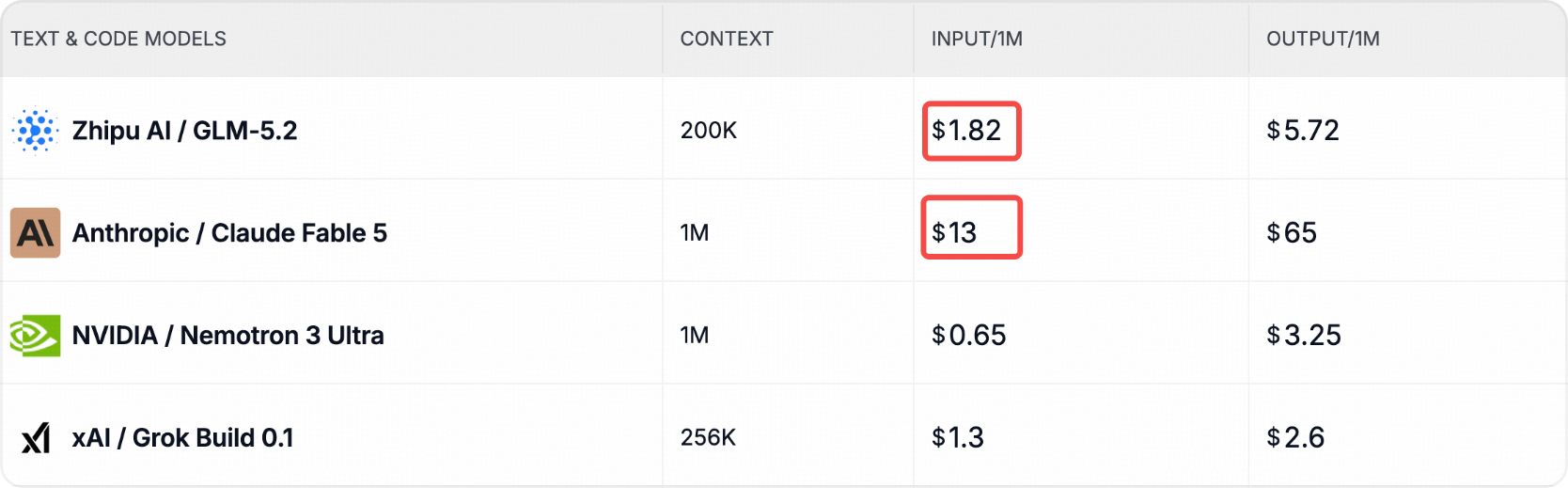
What it does:This value directly drives the amount shown in "Estimated usage" at the bottom. If you leave it blank, only the token count is shown — no dollar figure.
Top-up Rate (Exchange Rate)
Definition:When you top up on a platform, the ratio of how many credits 1 RMB actually converts to.
Where to find it:
Usually on the platform's "Top-up page."
Pick the top-up tier you want, and note the amount you actually pay and the credits you receive.
Rate = amount paid / credits received.
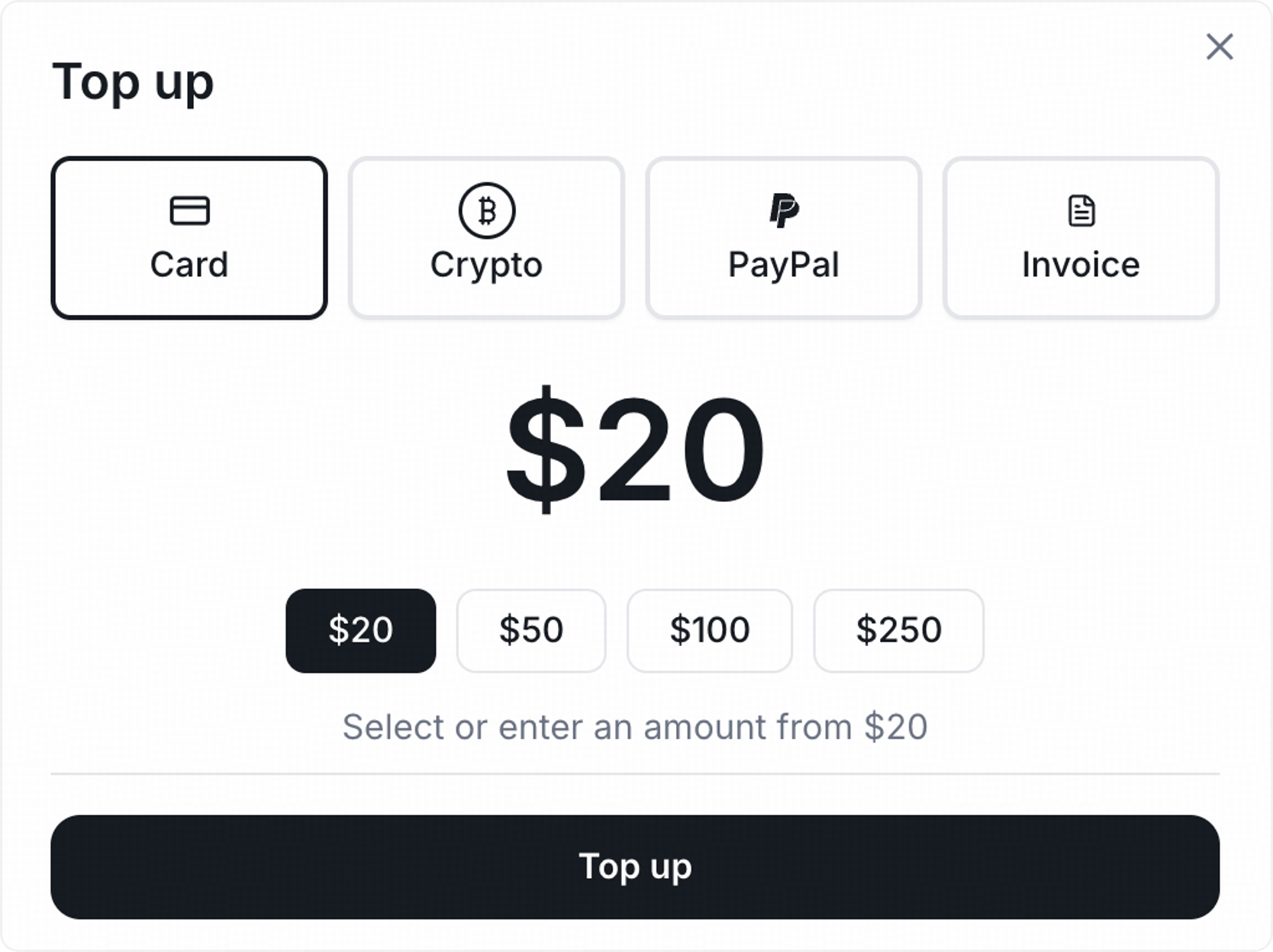
What it does:The system uses this rate to convert costs into your real spend, giving you a clearer ROI (return on investment) analysis.
Testing Tips
Once you've finished configuring, click "Run Test Now." The system will run several looped requests to show you the model's cache-hit performance and billing differences across different context lengths.